Test cases: Check shipping and payment options
This documentation shows how the transmission of shipping and payment methods can be verified.
1. General check
In Shopware:
- Log in to the storefront
- Place a new order
In Abacus:
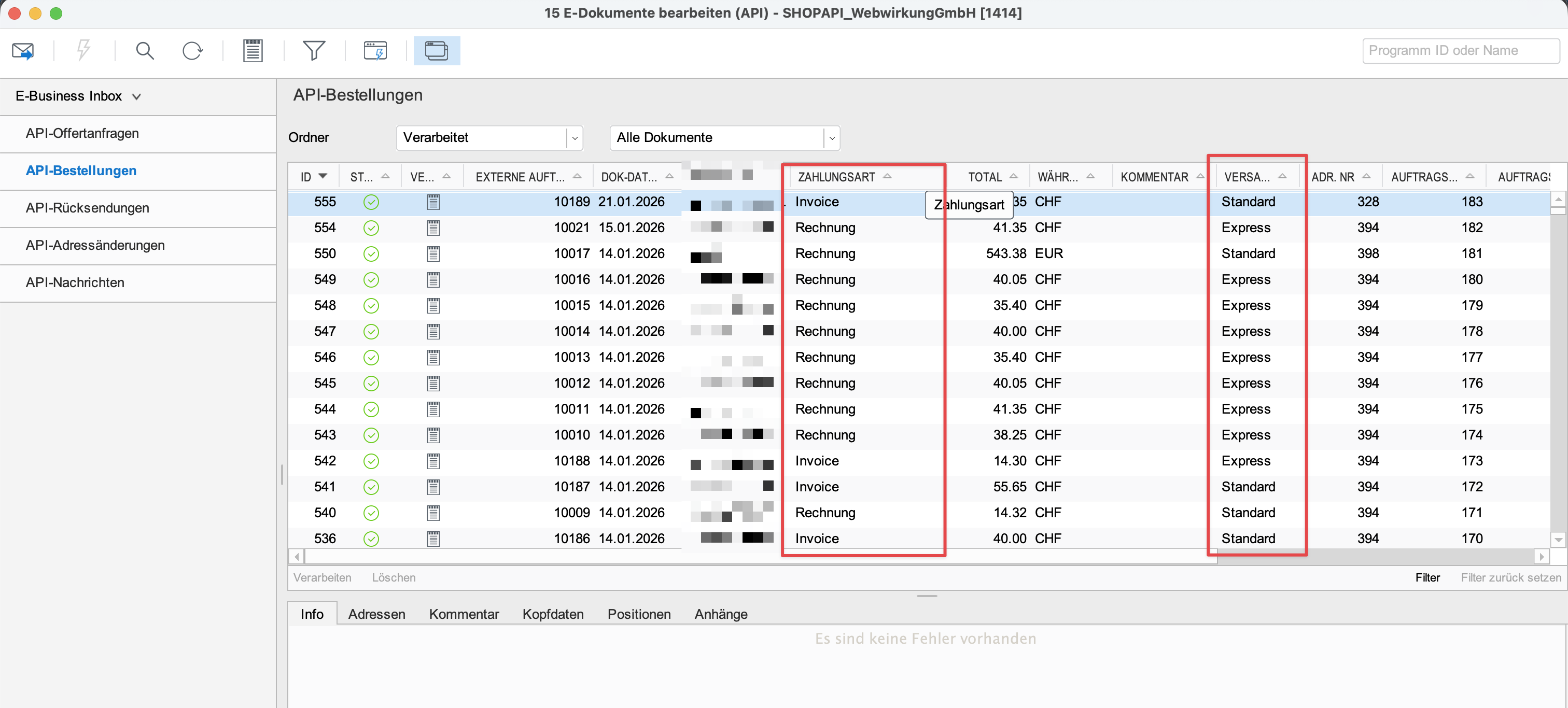
- Go to Abacus → E-business → Edit e-documents (API) (J15)
- In the list view, check whether the shipping and payment methods match the methods selected in the order.
Shipping option and rounding
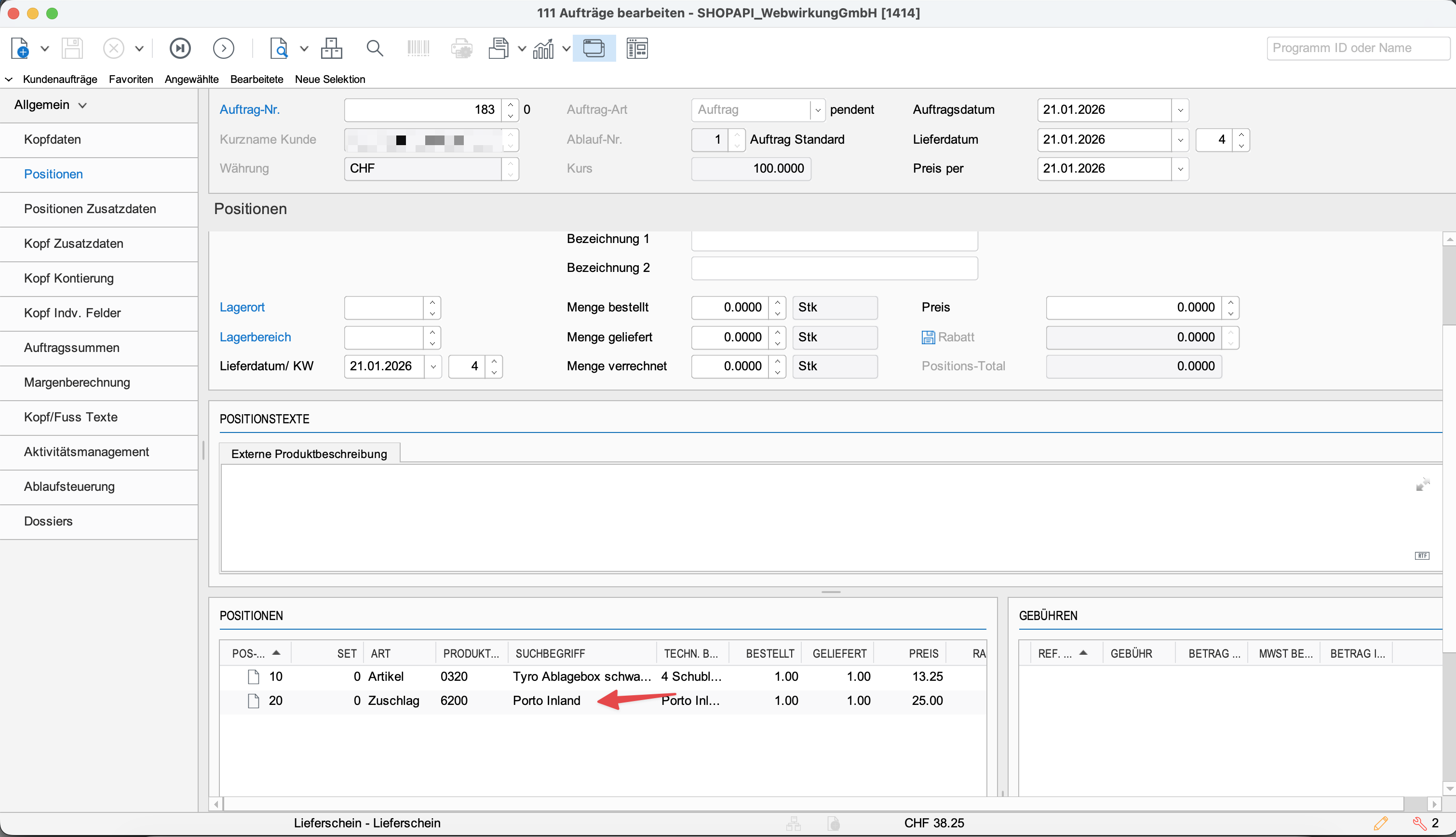
The shipping option is listed as a separate line item in the order.
In Abacus:
- Go to Abacus → E-business → Edit e-documents (API) (J15)
- Process the order
- Open the processed order
- Under items, check the shipping option (e.g. postage) (price and rounding)
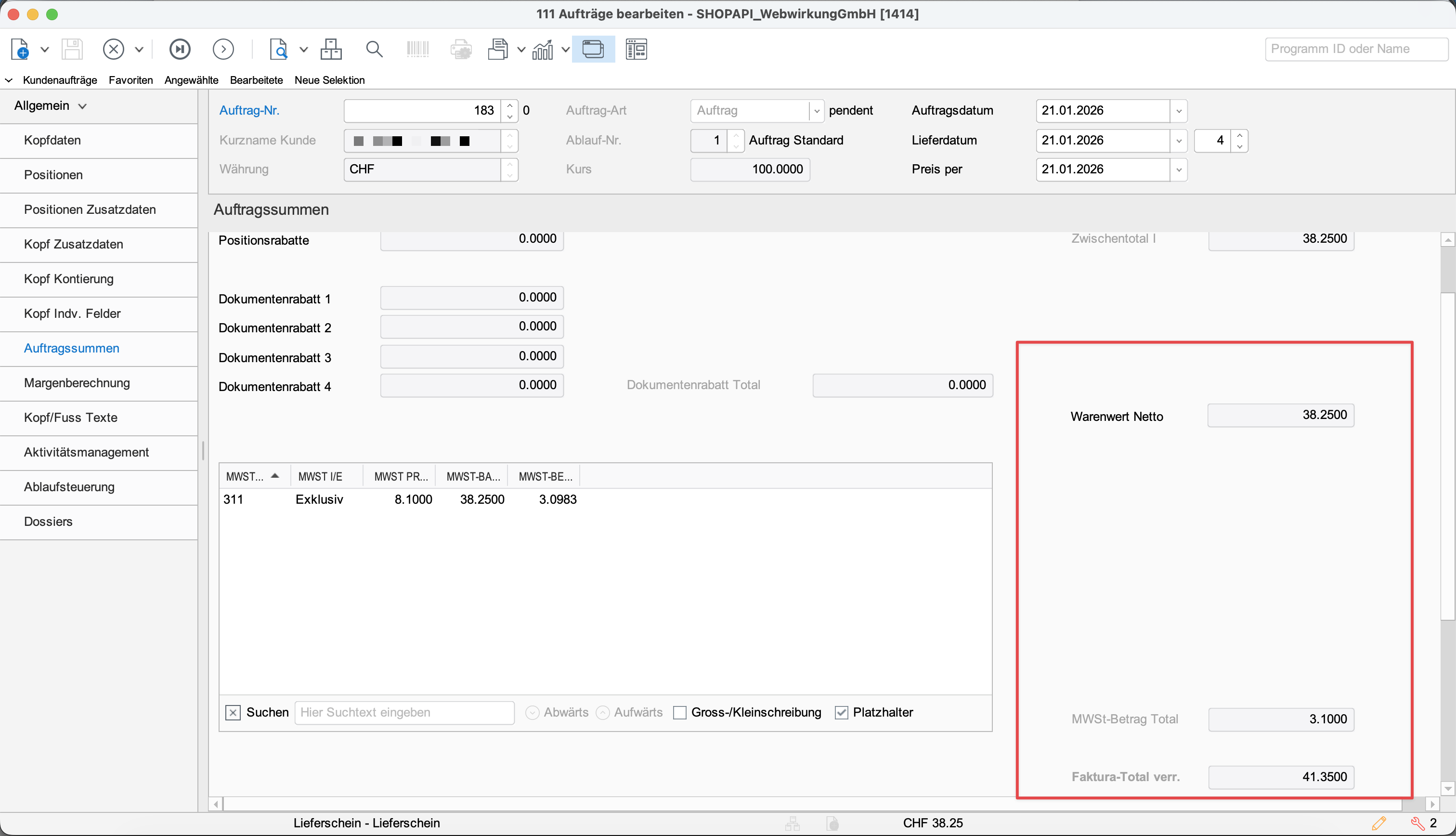
If the position is not transmitted by Shopware as a separate line item, VAT is calculated automatically (VAT code: AUT), which can lead to rounding issues. In this case, try transmitting the shipping option as a separate line item:
Shipping as an order line item