
Test cases: Create a new shopper
In Abacus:
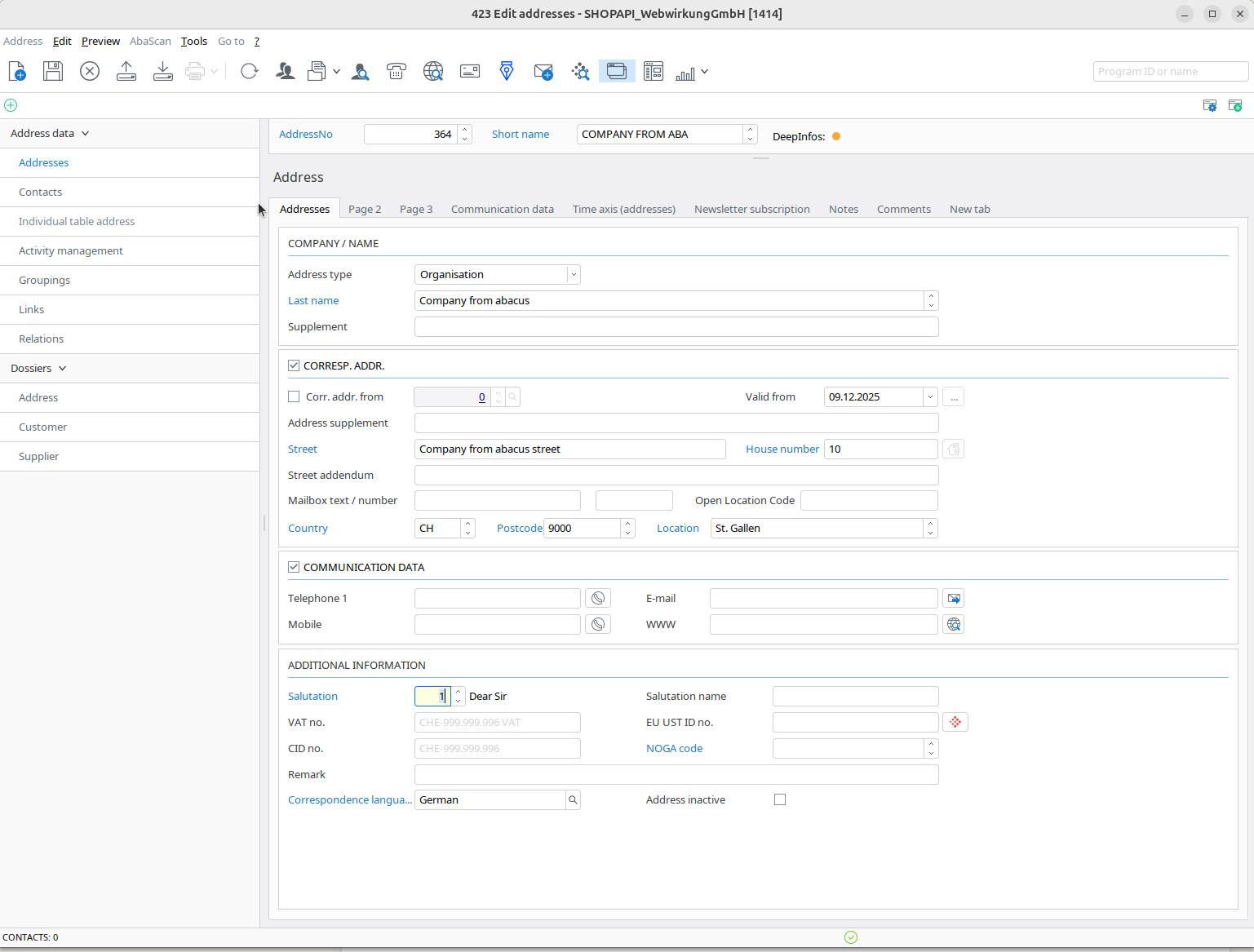
- Go to Abacus > Order Processing > Edit addresses(423)
- Create a new address
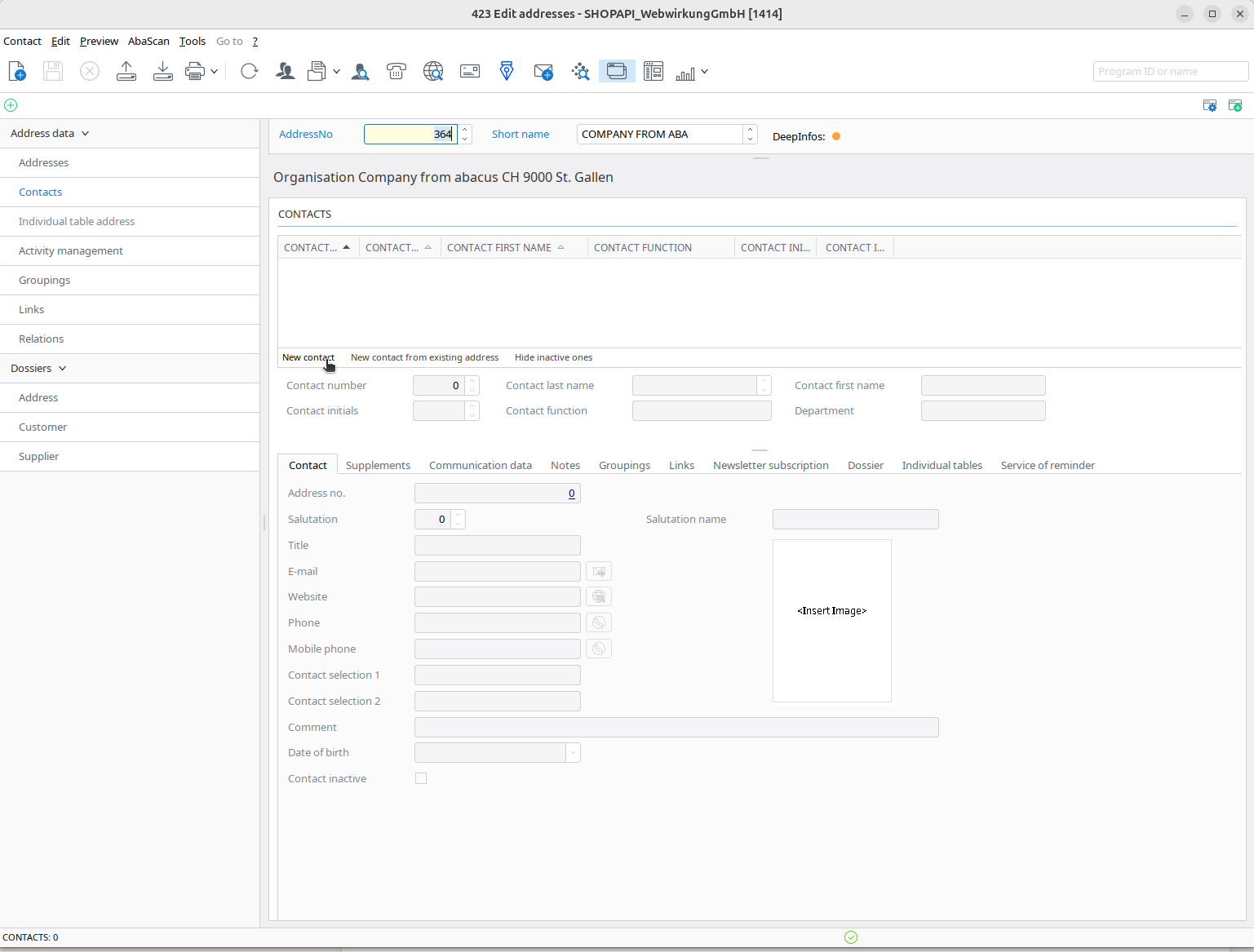
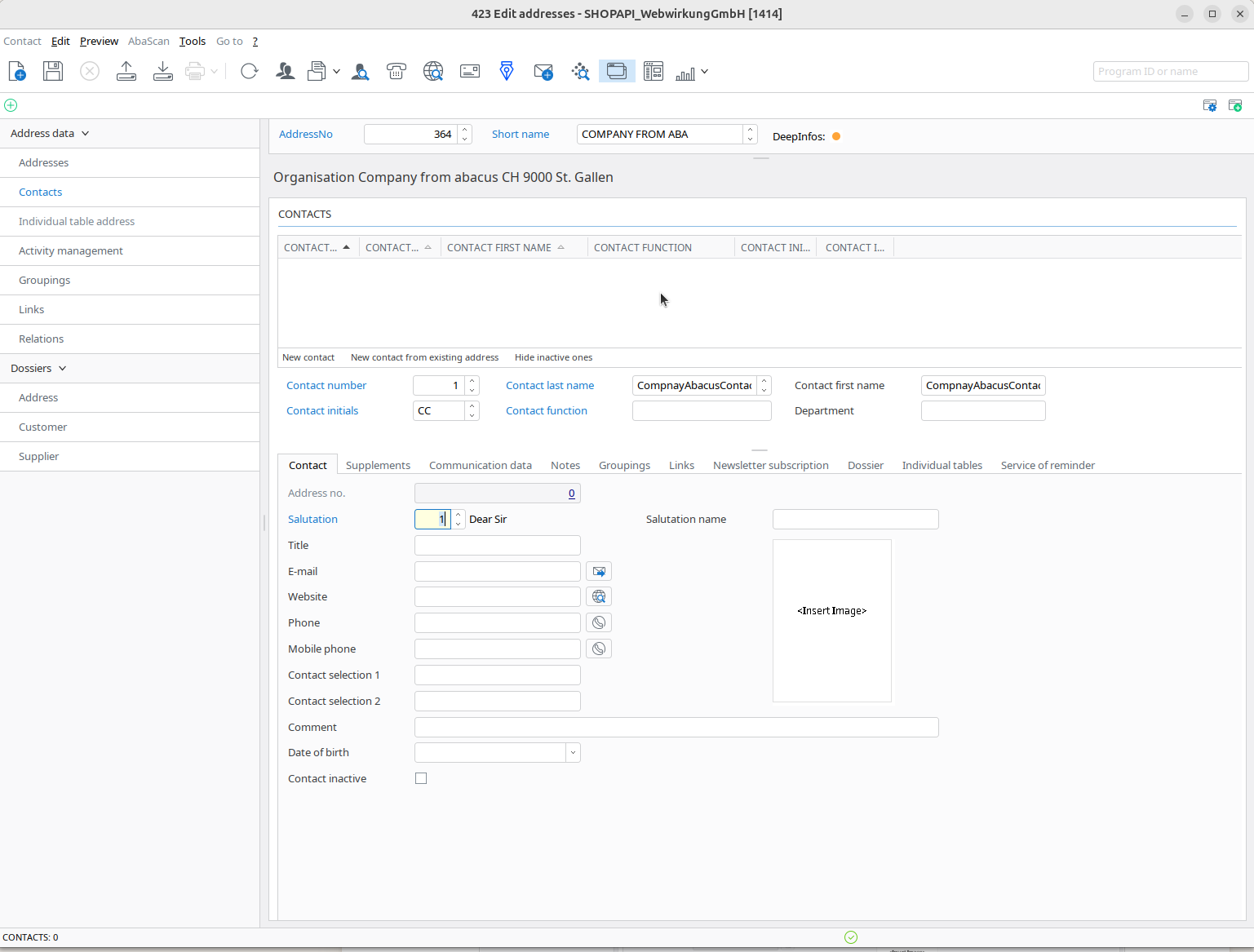
- Go to the Contact tab, click "New contact" to create a new contact
| Click new contact | Create new contact |
|---|---|
 |  |
- Go to your company address
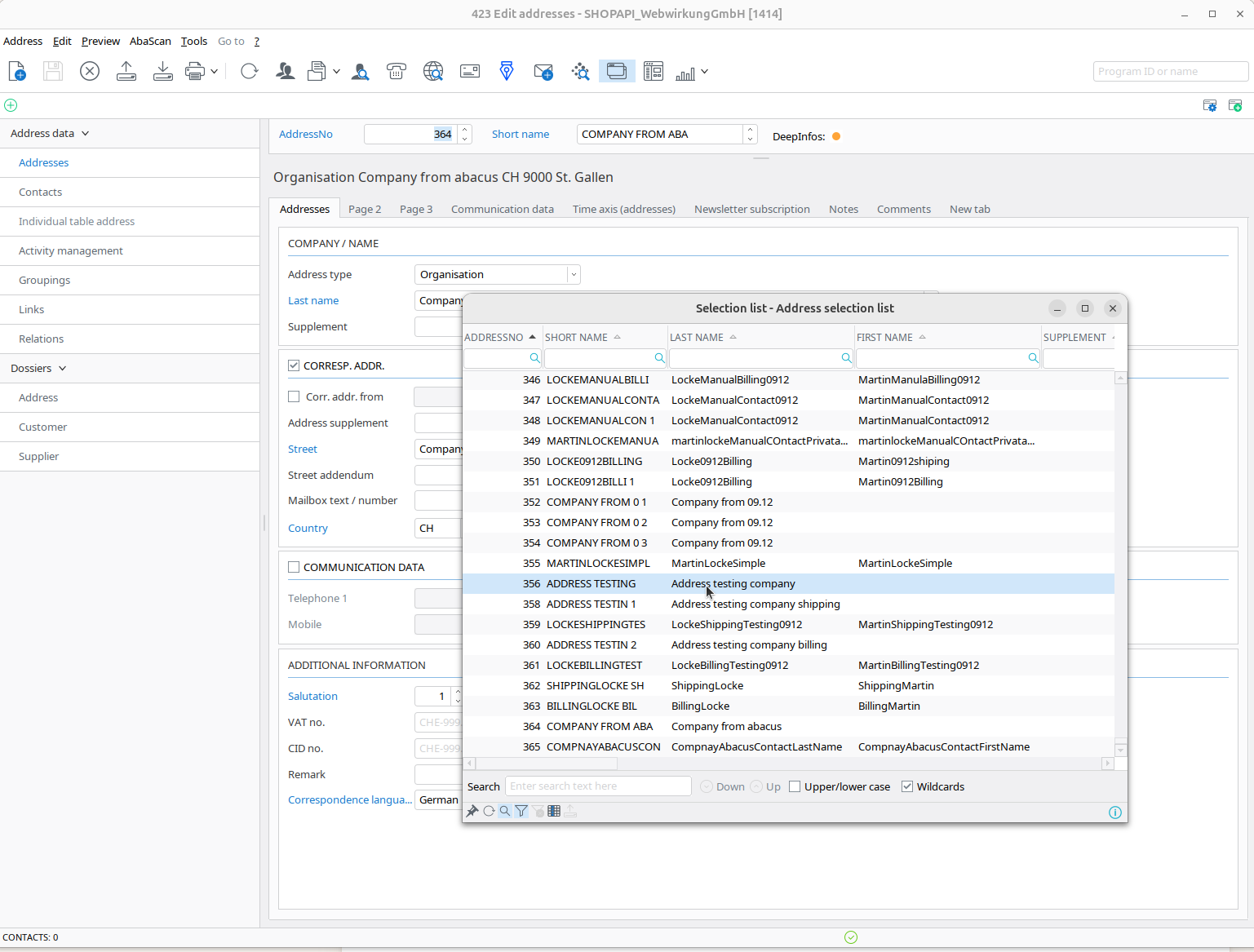
- Go to the contacts tab and click "New contact from the existing address:
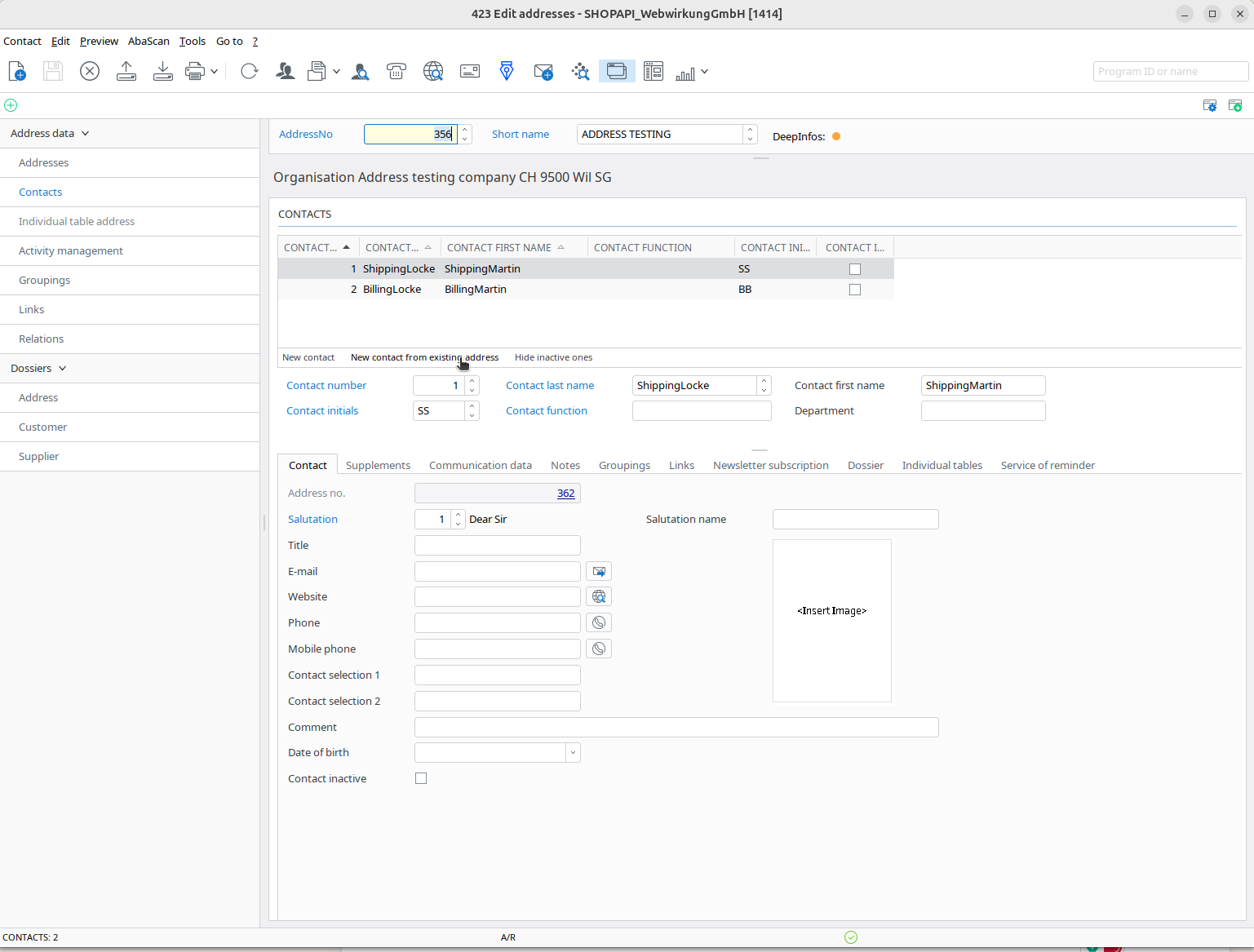 | 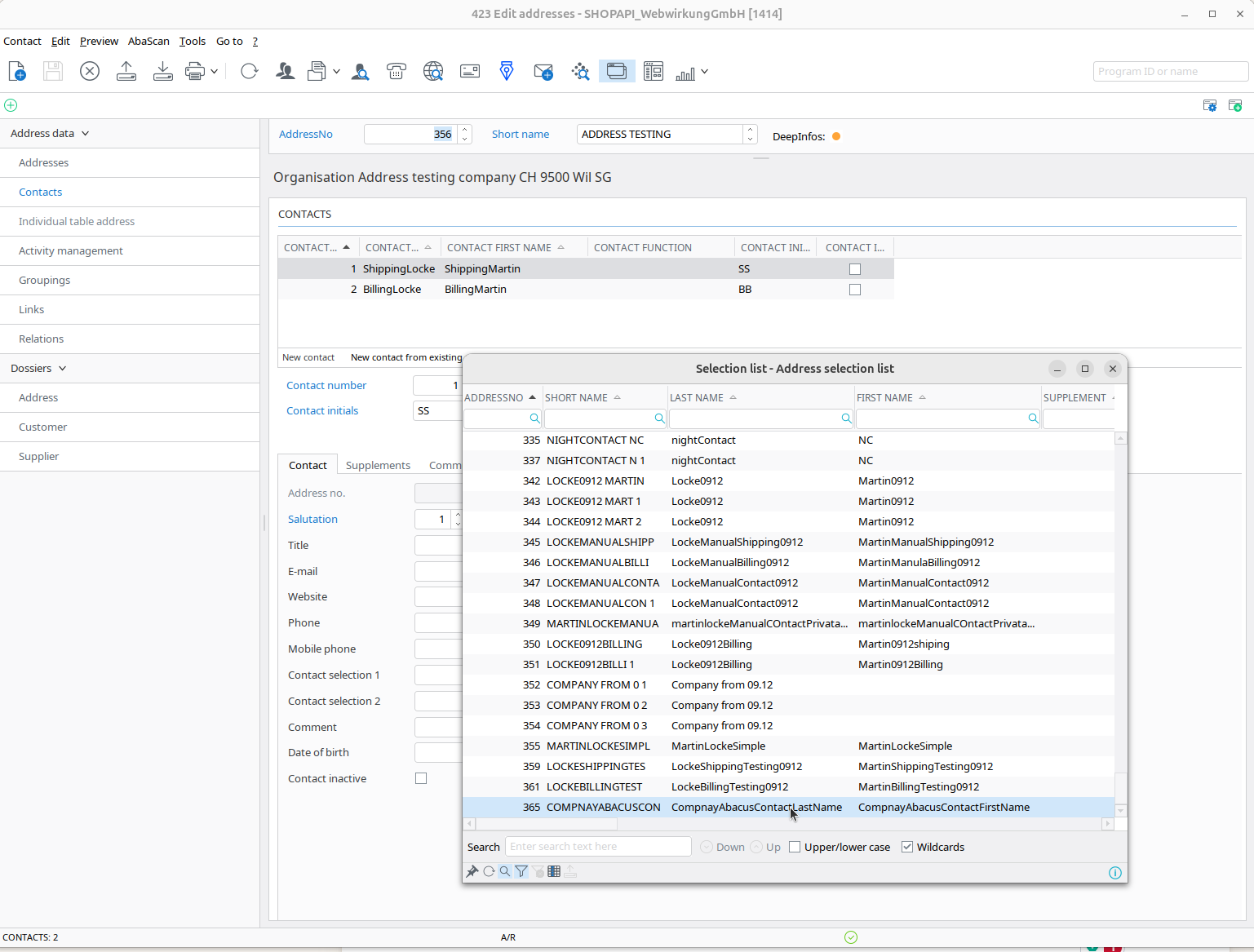 | 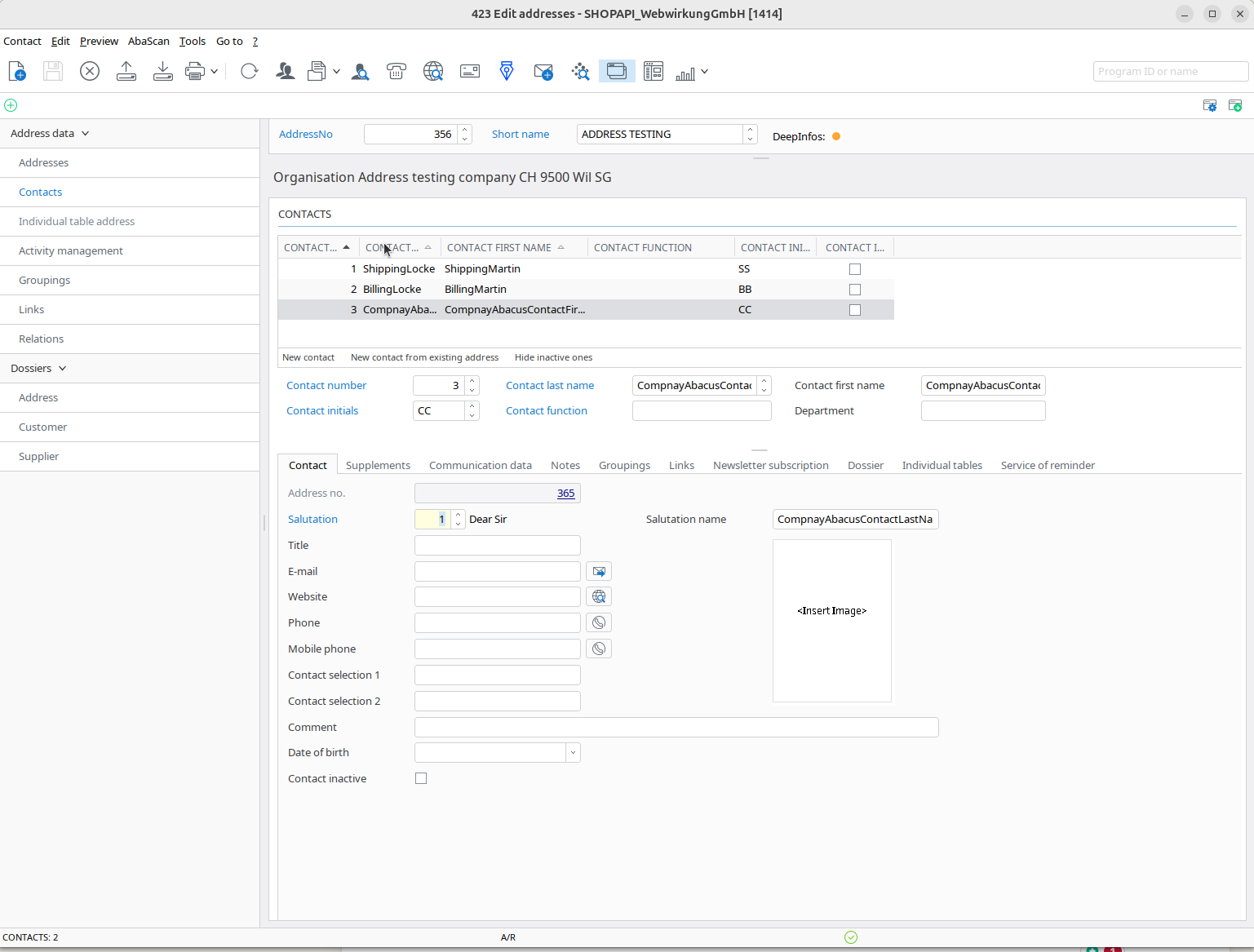 |
- Go back to Abacus "Customer base"(421) and add shopper from existing addresses:
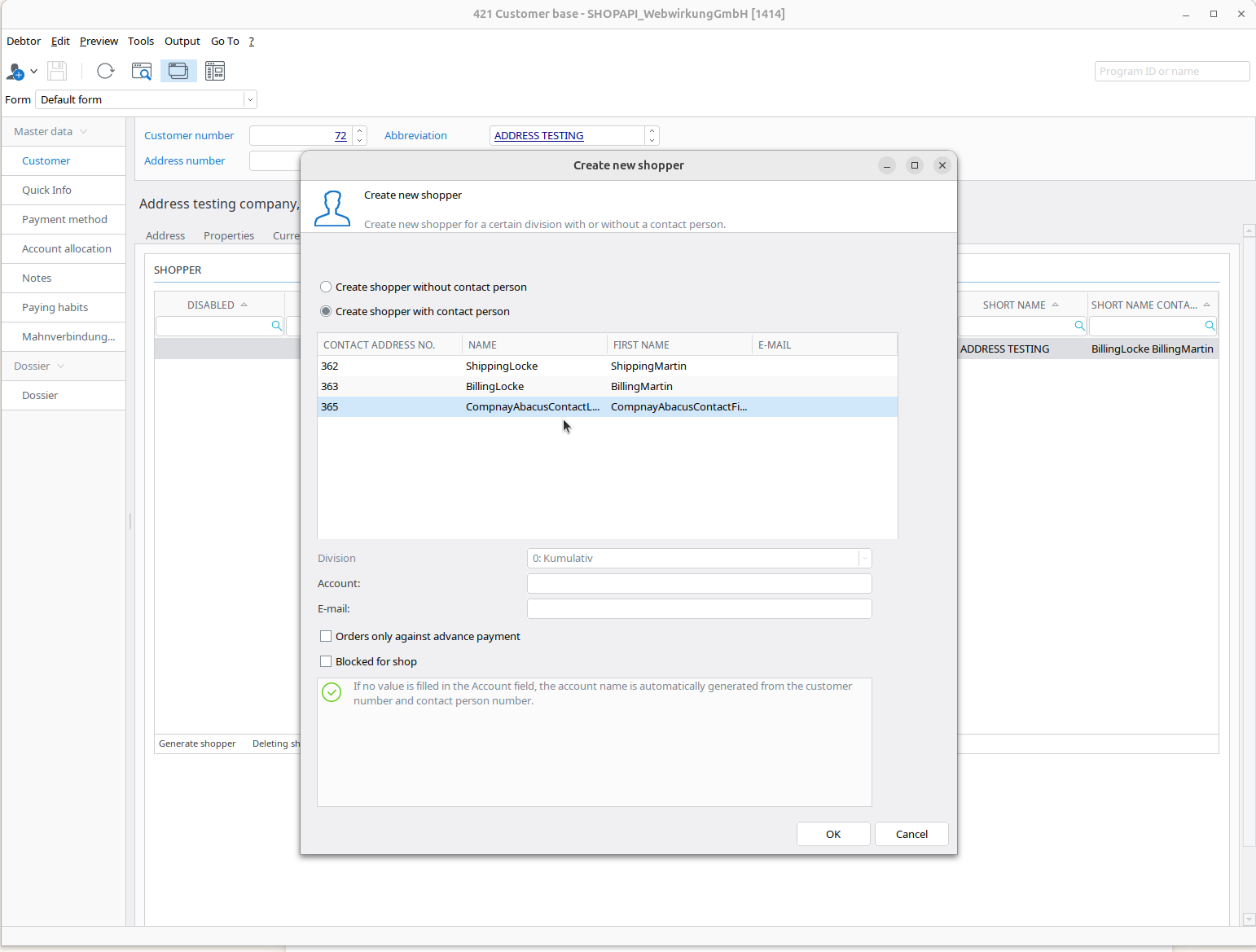 | 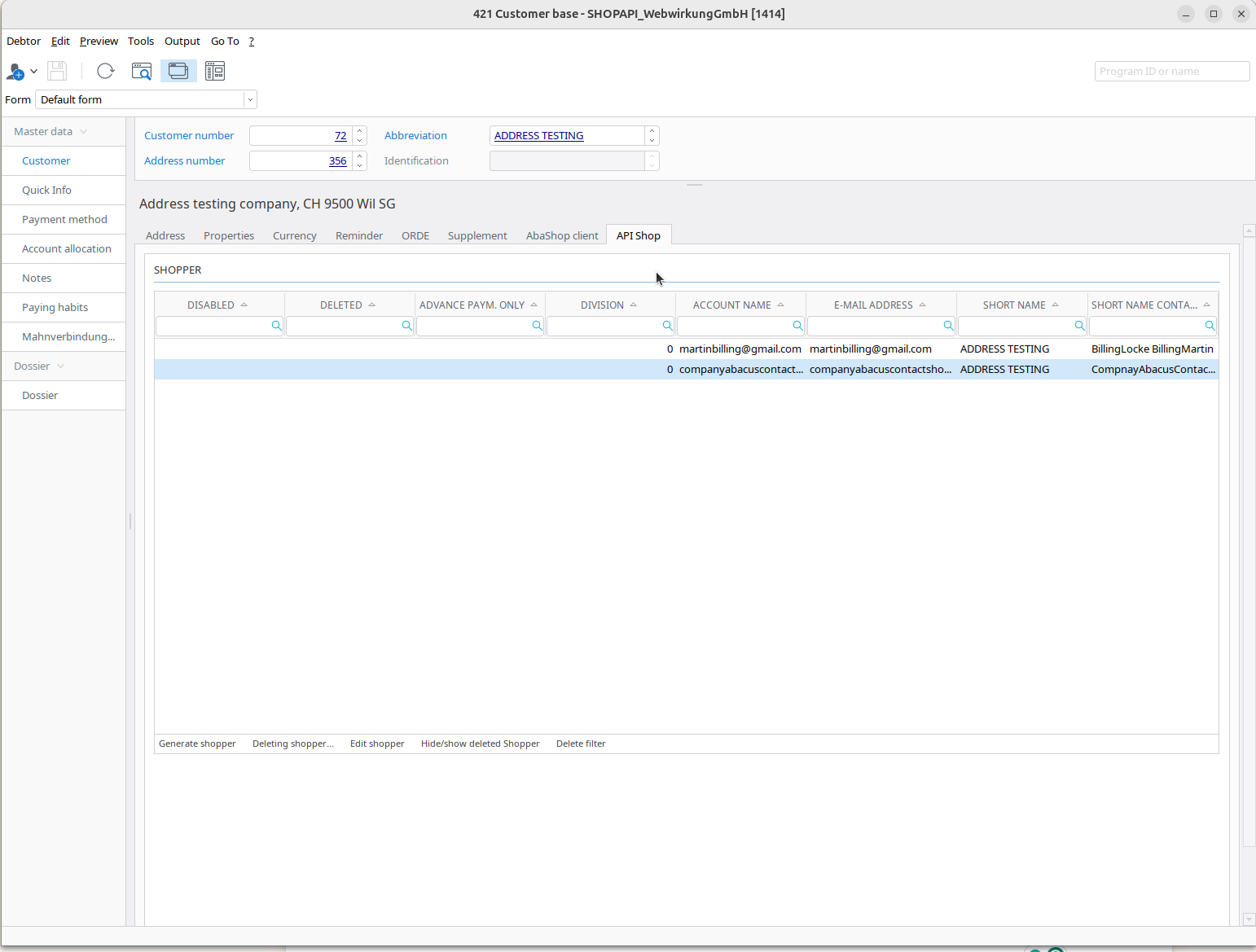 |
Result
In Shopware:
- Go to your Shopware and run the webwirkung.abacus.subscription.shopper task (See here how)
- Go to «Customers» and find your new shopper with the address